Good Journey


HEY JOHN,

GOOD JOURNEY WEB BOOKER
For chauffeur, limousine, airport-transfer, and corporate transport operators: let customers book scheduled rides from your website, partners, or a simple QR code. Every ride stays connected to your operation.
CUSTOMER SELF-BOOKING
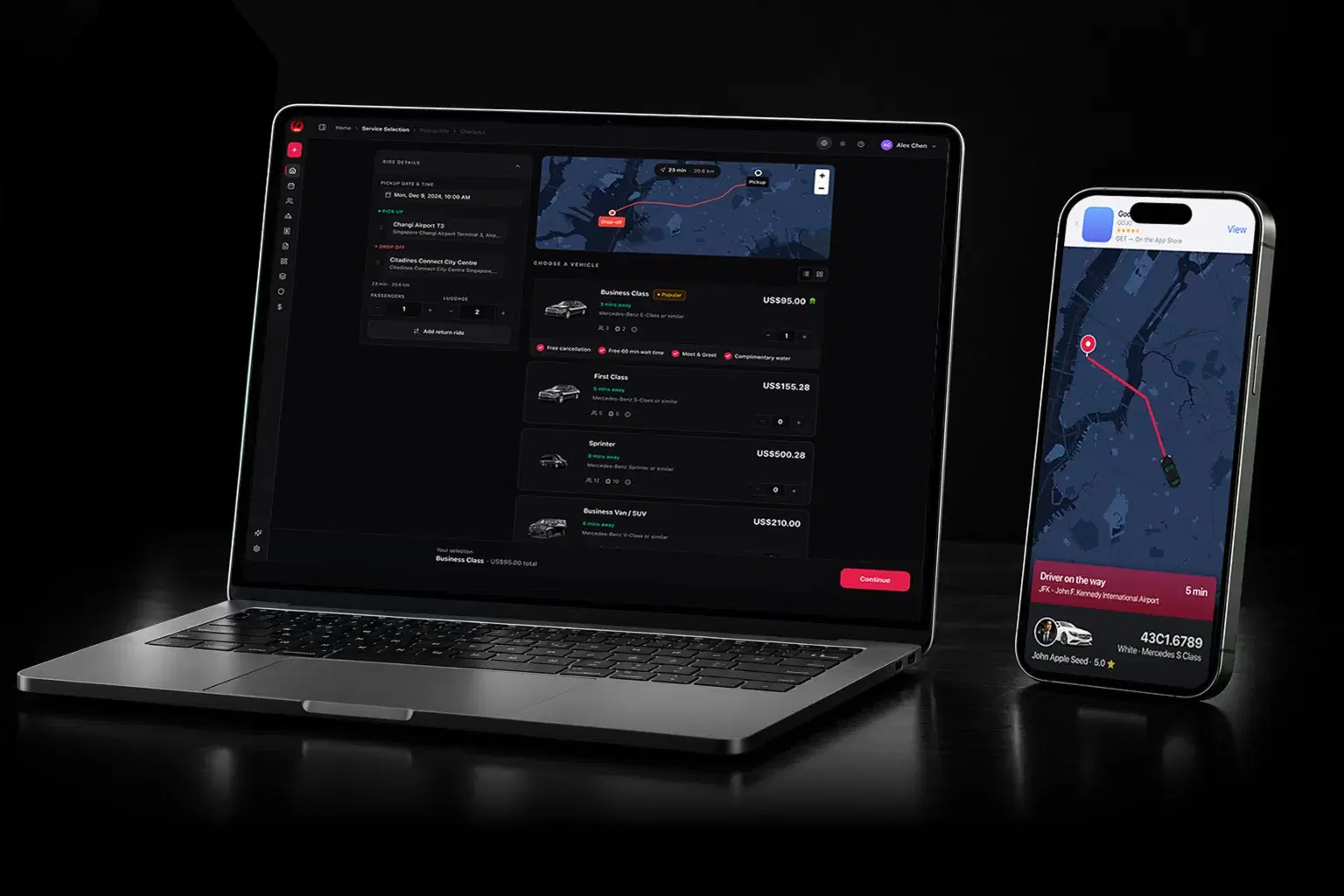
Give customers the freedom to arrange their own ride. A simple experience from the first search to the final drop-off.
Choose a journey and vehicle, then book instantly or request a quote.
Return to bookings and available management options.
Track the driver and stay connected along the way.
Made for mobile. Just as good on desktop.


Search › Service selection › Checkout


FLEXIBLE QUOTE REQUESTS
Let customers request a quote through Web Booker—or let your team create one for them. Once it is priced, the customer receives an email link to review the journey, pay, and confirm the booking.
HEY JOHN,
Customers submit their trip details in Web Booker, or an operator creates the quote manually.
Your team confirms the journey, sets the price, and emails the completed quote to the customer.
The customer reviews the trip and price, completes payment, and turns the quote into a confirmed booking.
Payments use the gateways enabled for your operation.
ONE EXPERIENCE. MORE PLACES.
Bring your booking experience into the websites, apps, and everyday places your customers already use.
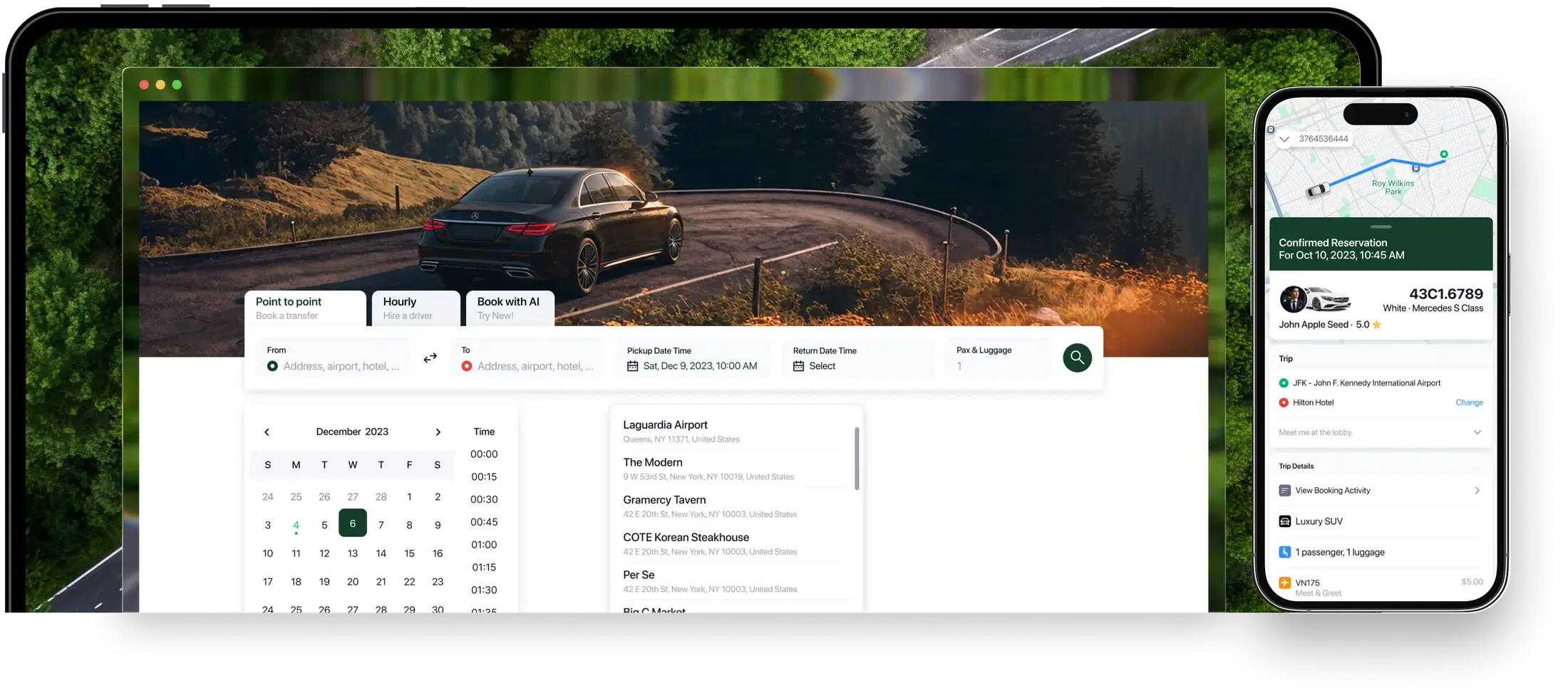
PARTNER DISTRIBUTION
Give partners a useful booking service their customers can use—and a new way to refer scheduled transportation to your operation.

From the lobby to the guest room, make the next ride part of a great stay.
Let guests book their airport transfer while they relax. One scan, and their onward journey begins.
Add ground transportation to the itinerary, with a booking experience customers can use themselves.
Give employees and visitors a convenient place to arrange their own transportation.
Bring a convenient ride home to the table with a simple booking QR code.
LIVE DRIVER TRACKING
Give customers a clear view of their pickup. Follow the driver, see the arrival progress, and spend less time wondering.

 Look for the black sedan.
A DIRECT CONNECTION
A meeting point. A quick question. A change of plans. Keep customers and drivers connected when the little details matter.
THE WALLET EXPERIENCE
A Good Journey ride pass keeps pickup details, driver updates, and tracking links close, ready to open when customers need them.


PAYMENT GATEWAY INTEGRATIONS
Integrate Web Booker with configured payment gateways while keeping transactions connected to your operation.
Gateway availability depends on your market and configured payment setup.
CONNECTED OPERATIONS
One journey connects the customer, your partner, your fleet team, and the driver—with the latest details at every handoff.
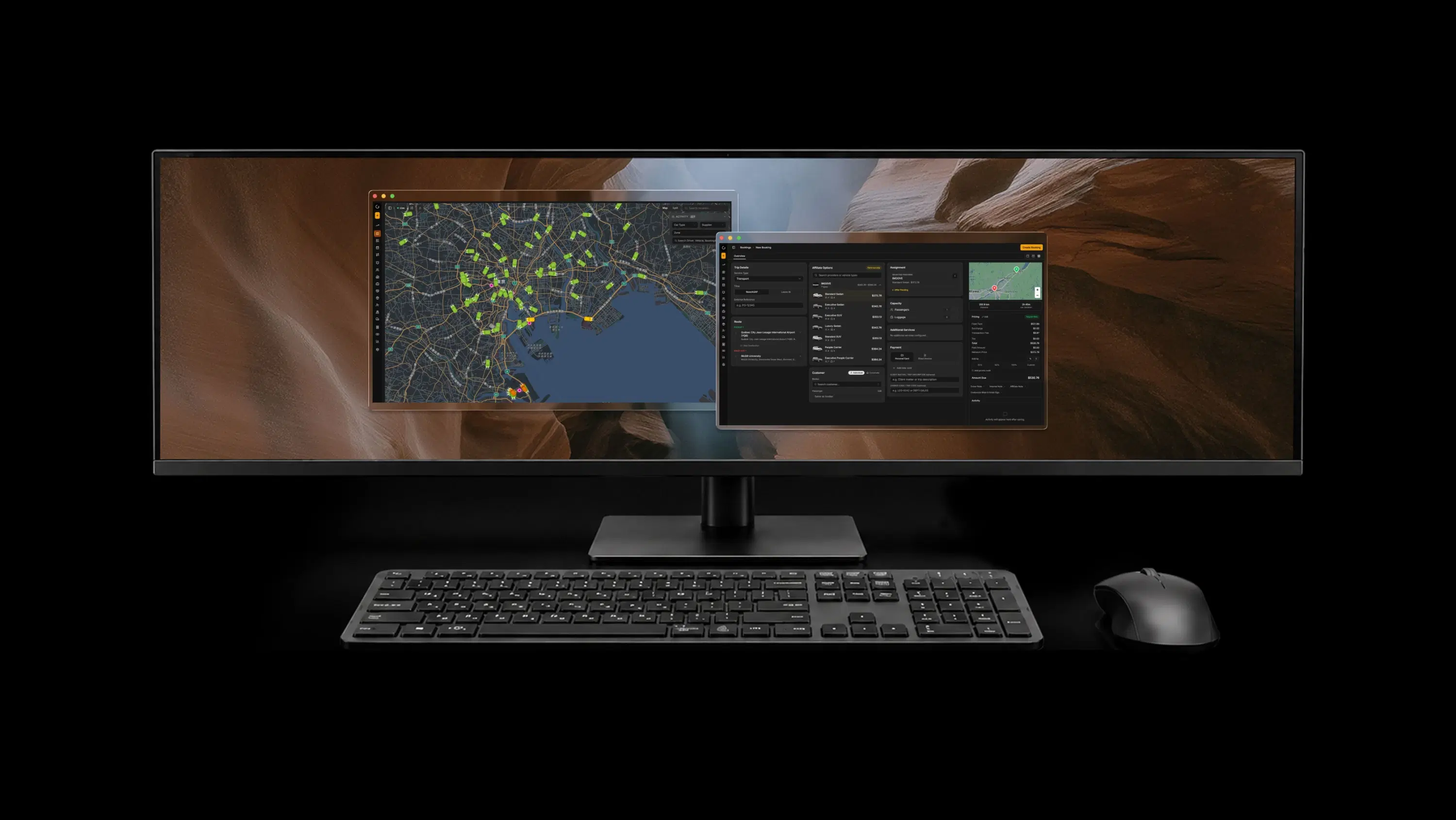
Bring flight updates into airport-transfer coordination with the flight-tracking add-on.
Connect the customer’s view with the journey your operation is fulfilling.
Keep partners, fleet teams, and drivers up to date as the trip progresses.
A LITTLE MORE DETAIL
Everything else you might want to know about bringing self-service booking to your customers.
Web Booker puts customer self-booking first: customers create and manage their own rides through websites, apps, and QR entry points. Corporate Portal focuses on an organization’s transportation programme, including arrangers, policies, and account controls.
Yes. Customers can submit their journey through Web Booker, or an operator can create the quote manually. Once the price is ready, the customer receives an email link to review the details, pay, and confirm the booking.
Yes. Web Booker can be embedded on operator and partner websites, including hotels and travel agencies, with a responsive experience for mobile and desktop.
Booking can be embedded in mini apps and super apps. QR codes can open the experience from hotel lobbies, guest rooms, airport lounges, restaurants, bars, and other partner touchpoints.
Customers can follow their driver in real time and communicate through chat, live translations, voice chat, and image sharing in the supported journey experience.
Customers can save their ride to Apple Wallet or Google Wallet, receive supported on-device updates, and keep trip details and tracking links close. The ride pass is separate from paying with Apple Pay or Google Pay.
Supported options include Apple Pay, Google Pay, credit cards, invoicing, and Fleet Wallet payments. Availability follows your enabled payment setup; invoicing and Fleet Wallet apply to eligible accounts.
Flight tracking is an add-on for airport-transfer coordination. Driver tracking and real-time journey updates keep customers, partners, fleet teams, and drivers informed through the configured trip workflow.
YOUR BRAND. THEIR NEXT JOURNEY.
Bring self-service ride booking to your website, your partners, and the places your customers visit.