Get started with Good Journey CLI
Hand your agent this playbook. It installs the Good Journey CLI, authenticates your fleet workspace, and shows everything else it can do.
Coming Soon
Claude
Monitoring 124 SFO arrivals...
Dispatch airport transfer GJ-2048






Give your agents the Good Journey CLI — book transfers, dispatch trips, check fleet, and run ops. Built-in permissions govern every action they take.
Install the Good Journey CLI, authenticate once, and your agent can quote trips, book transfers, dispatch drivers, and report on fleet — all from the terminal.
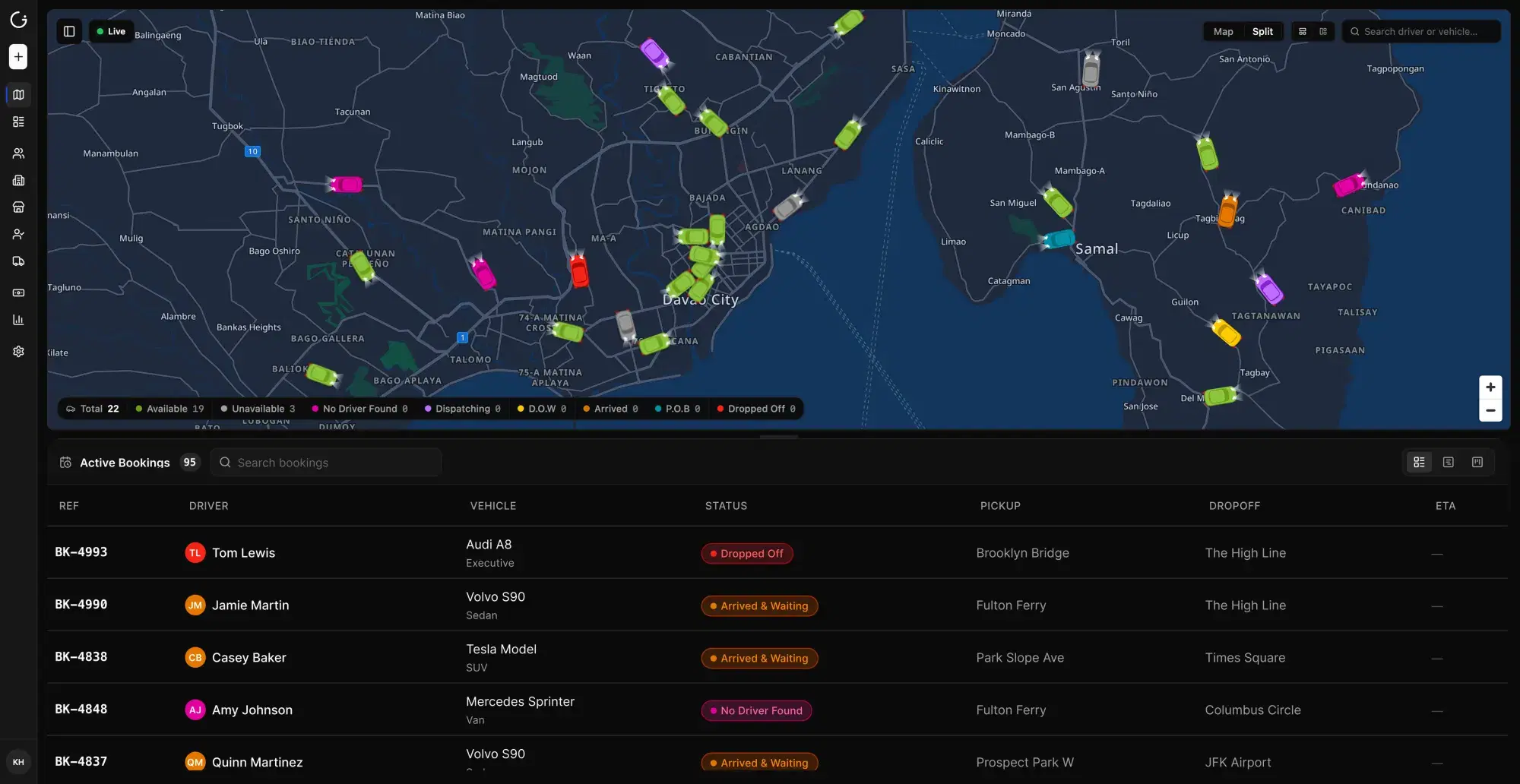
Per-agent roles, scopes, and action limits. Approve exceptions without losing oversight.
Proven ways to run Good Journey with agents. Plays ops teams use every day. Copy them or adapt your own.
Hand your agent this playbook. It installs the Good Journey CLI, authenticates your fleet workspace, and shows everything else it can do.
Hand your ops agent a flight number, passenger, and pickup window. It quotes, books, and confirms the transfer.
Give your dispatch agent a job ID or new trip details. It finds coverage, assigns a driver, and notifies the passenger.
Ask for capacity across vehicle classes for a city, date, and time window before you accept more work.
A morning brief from your agent: delayed flights, unassigned jobs, missing chauffeur confirmations, and items waiting on you.
Hand your agent an event brief or multi-leg itinerary. Get back a policy-ready corporate quote.
When a chauffeur is running late or a vehicle fails inspection, your agent finds a replacement and keeps the passenger updated.
Out of area or over capacity? Your agent packages the job and places it on the Good Journey affiliate network with escrow-ready terms.